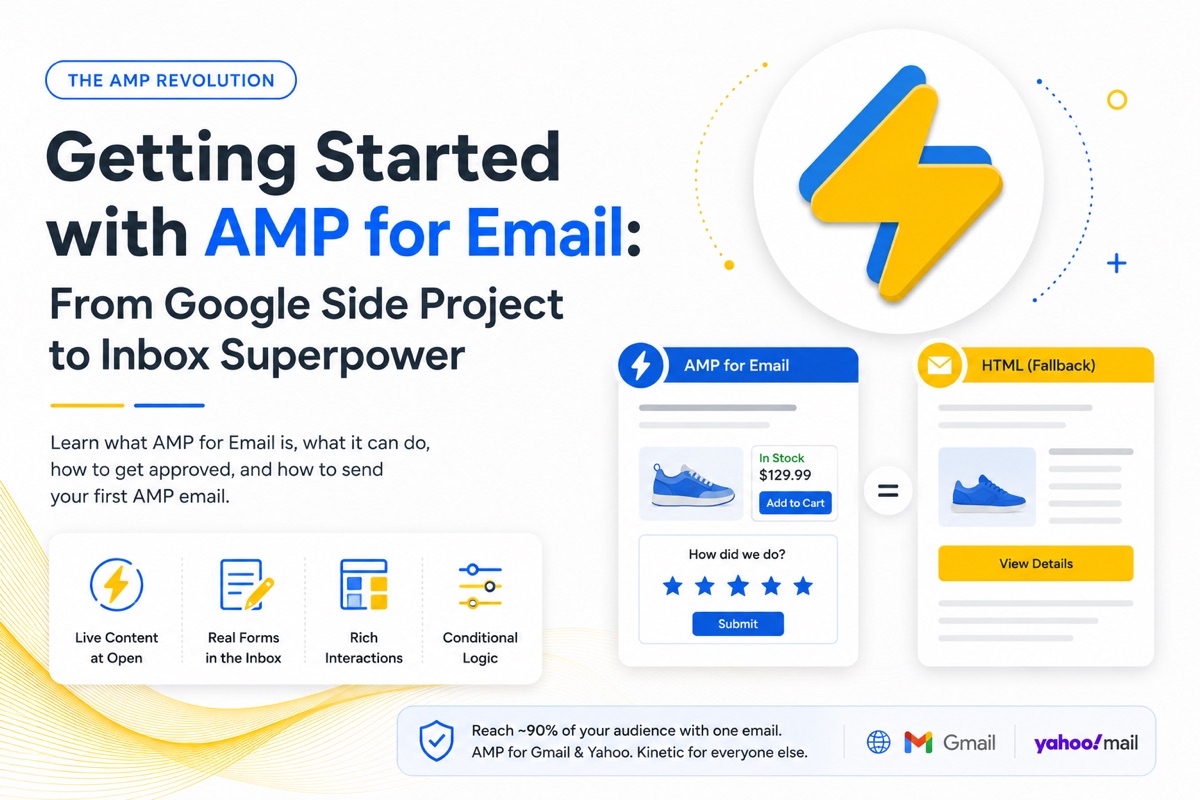
Getting Started with AMP for Email: From Google Side Project to Inbox Superpower
By Sean · August 9, 2026 · 7 min read
In our Graceful Degradation article, we made the case for pairing AMP for Email with kinetic email to put an interactive experience in front of ~90% of your audience. This guide is the AMP half of that equation: where AMP came from, what it can actually do, how to get approved as a sender, and how to send your first AMP email.
A quick history: what AMP is
AMP started in 2015 as a Google-led open-source project called Accelerated Mobile Pages — a stripped-down web framework designed to make mobile pages load nearly instantly. You've used it whether you know it or not: for years, those lightning-bolt results at the top of Google mobile search were AMP pages.
The framework's core idea was constraint. AMP replaced arbitrary HTML and JavaScript with a curated library of components — pre-built, validated, performance-guaranteed building blocks. That trade — less freedom, more reliability — turned out to be exactly what email needed.
Enter AMP for Email
In 2019, Google brought AMP to the inbox. AMP for Email (Gmail calls the feature "dynamic email") lets an email behave like a lightweight app: content that updates, forms that submit, data that flows — all without the subscriber leaving their inbox.
Like its web parent, AMP for Email is its own markup language. It looks HTML-adjacent — the document starts with <html ⚡4email> — but it's not standard email HTML. It has its own component library, its own strict validator, and its own security model. You don't convert an HTML email into AMP; you author an AMP version alongside it.
The AMP version travels as an additional MIME part inside the same email, right next to your HTML and plain text versions. Supported inboxes — Gmail and Yahoo Mail — render the AMP part; everyone else falls back to your HTML. (If that MIME mechanic is new to you, the Graceful Degradation article breaks it down.)
What AMP for Email can do
The component library is where AMP earns its keep. Highlights:
- Live content at open time.
amp-listfetches JSON from your server the moment the email is opened. Live pricing, current inventory, up-to-the-minute appointment slots, order status — the email is accurate when it's read, not when it was sent. - Real forms, inside the email.
amp-formsubmits data without a landing page. Surveys, NPS scores, RSVP responses, preference updates — completed in one tap, in the inbox. - Rich interactive layouts. Carousels, accordions, lightboxes, and sidebars as first-class components — no CSS hacks required.
- Conditional display.
amp-bindlets the email respond to user input: pick a size, see the price update; answer a question, reveal the follow-up.
A few honest constraints to plan around: AMP parts expire (Gmail stops rendering them after roughly 30 days, and forwarding strips them), every data endpoint you call must implement AMP's CORS security requirements, and your HTML version still has to carry the full message for everyone outside Gmail and Yahoo.
What should you build with it?
The same interactive patterns that work in kinetic email work in AMP — often with more power behind them. Our free Kinetic Email for Marketers course walks through strategy by industry, and every play in it has an AMP-grade version:
- E-commerce: product showcases, cart recovery, and recommendations — with AMP, the cart and inventory can be live at open
- Subscriptions: plan comparisons, upsells, and churn prevention — with AMP, the upgrade can happen inside the email
- Newsletters: polls, preference centers, and content navigation — with AMP, responses submit instantly, no click-through required
- Education: course previews, quizzes, and enrollment — with AMP, quiz answers post straight to your platform
No code required to take the course — it's pure strategy. Start with Module 1 →
How to register as an AMP sender
Here's the part that surprises people: you can't just send AMP. Mailbox providers only render AMP parts from approved senders. Registration is a one-time process per sending address, and it's very doable — but there are prerequisites.
Before you apply
- Email authentication in order. SPF, DKIM, and DMARC must all pass on your sending domain — and ideally have been in place for months, not days.
- A real sending history. Providers want established senders with good reputation and low spam rates, not brand-new domains.
- A production-quality AMP email. Your application email must be the real thing: valid AMP part, matching HTML fallback, sent from your production infrastructure (or a server with identical authentication headers).
Register with Google (Gmail)
- Build and validate your AMP email, and test it in Gmail using your own account first (Gmail's developer settings let you allowlist your own address for testing).
- Send that production-ready email — AMP MIME part included — directly to ampforemail.whitelisting@gmail.com. Don't forward it (forwarding strips the AMP part) and don't send a blank test; either gets you rejected.
- Fill out the official AMP for Email: Sender Registration form.
- Wait. Google doesn't send progress updates — you'll hear back when a decision is made, typically within a few weeks.
Register with Yahoo Mail
Same play, different address:
- Send your production-ready AMP email to ampverification@yahoo.com.
- Complete the same shared Sender Registration form — it covers Gmail, Yahoo, and Mail.ru in one submission.
- Yahoo's requirements mirror Google's: passing authentication, good reputation, and a proper HTML fallback part in every send.
Once approved, you're approved — no per-campaign review. Every AMP email you send from that address will render for supported recipients.
How to send: your ESP does the heavy lifting
If you're on a major ESP — Salesforce Marketing Cloud, Eloqua, Klaviyo, Iterable, and others — sending AMP is less exotic than it sounds, because the workflow is the one you already know.
Take Salesforce Marketing Cloud as the example. You create an email asset the way you always have: name it — say, Welcome Email — add a description, and move to content. Then, instead of one code slot, you fill three:
- HTML — paste your HTML version (ideally a kinetic one, with its static fallback built in)
- AMP for Email — a separate tab for the AMP version; paste your validated AMP code there
- Plain text — the text version, same as ever
One email asset, three files. When you send, the ESP assembles the multipart/alternative MIME package on the back end and each subscriber's inbox picks the best version it can render. No manual MIME construction, no custom infrastructure — the platform handles it.
The pattern is nearly identical across ESPs that support AMP: one email project, separate slots for AMP, HTML, and text. If you don't see an AMP slot in your platform, check whether it's gated to a higher tier or needs to be enabled by support — and if your ESP doesn't support AMP at all, that's solvable too. We're putting together a follow-up guide on sending AMP email without an ESP, using developer-friendly sending APIs — ideal if you're building your own tools. (Coming soon.)
Where kinetic.email fits
The hardest part of AMP isn't the sending — it's the authoring. A second codebase, in a second language, that has to match your HTML version's design and pass a strict validator.
That's the problem kinetic.email solves: our generator produces the kinetic HTML and the AMP version together, from one prompt — consistent design, validated AMP, static fallback included. Get registered, paste both files into your ESP, and you're sending the full graceful degradation stack.
Register once. Generate both. Reach everyone.